Block-based coding, together in real time
Built off of PenguinMod and TurboWarp
The first true collaboration tool built off TurboWarp and PenguinMod.
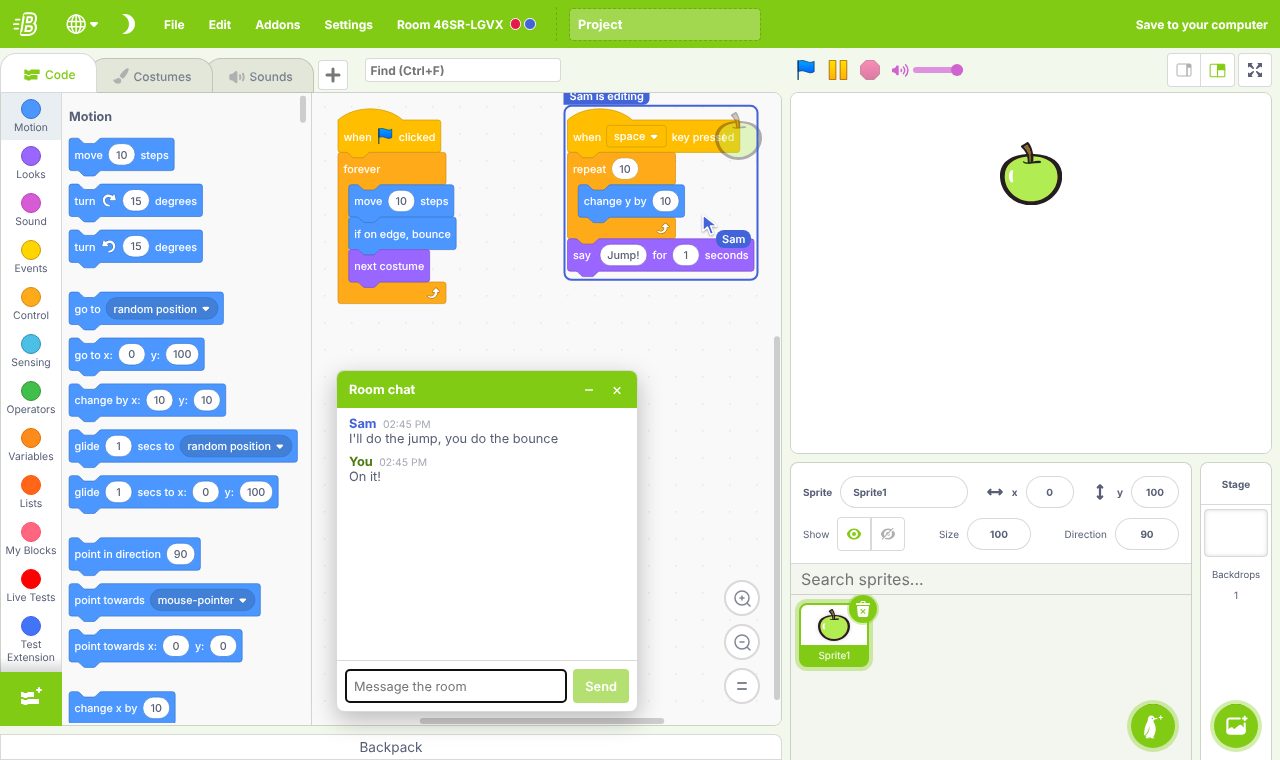
The first true collaboration tool built off TurboWarp and PenguinMod.
Projects stay on your own computer. A room closes when everyone leaves, so save your work with File, then Save to your computer.
Join a room
Got a room code from a friend? Type it here. Invite links open the room straight away.
Rooms can have a password; you'll be asked for it when you join.
What's new?
Collaboration
Start a room
Open the editor and choose Collaborate, then Create a room. Add a password if you like.
Share the code
Send friends the 8-letter room code or the invite link. They get a copy of your project.
Build together
Everyone edits at once: blocks, costumes, sounds and sprites stay in sync.
Save it
Anyone can save the project to their computer at any time.
Editor features
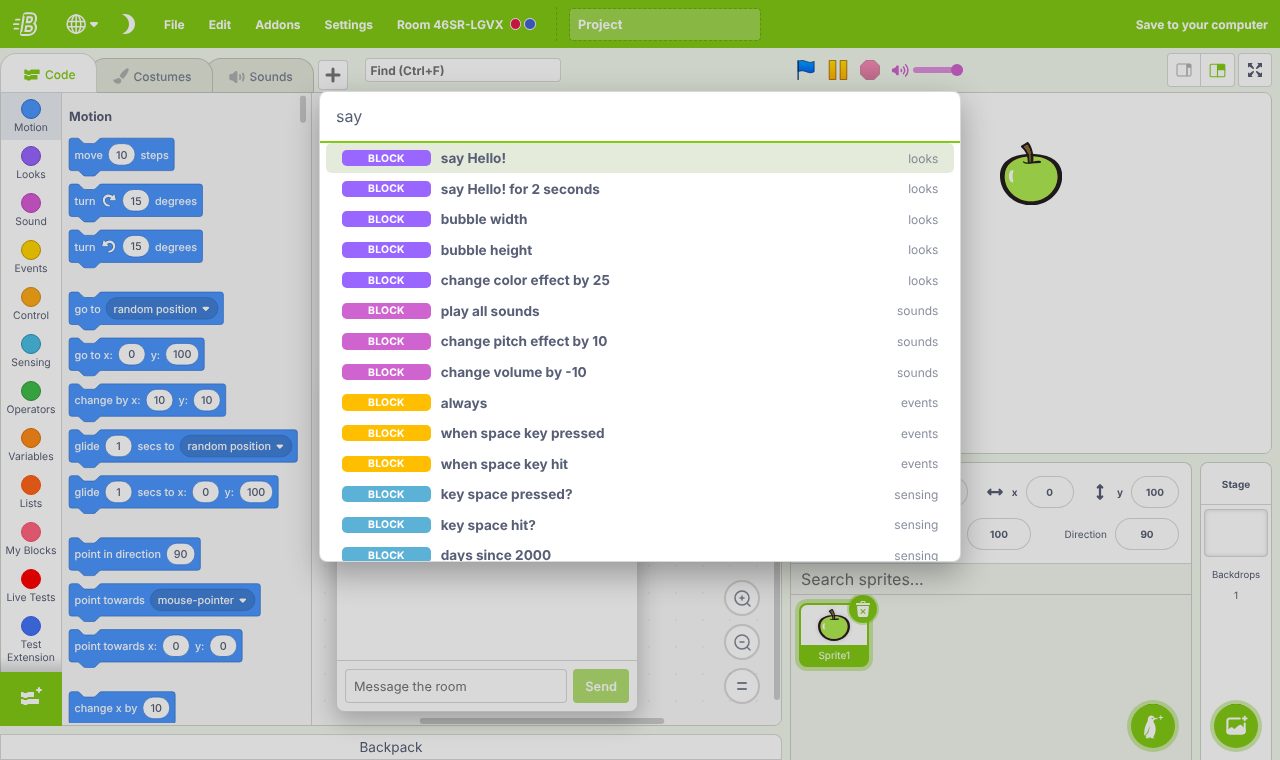
Command palette
Ctrl+Space finds any block, variable, broadcast or costume and places it for you.
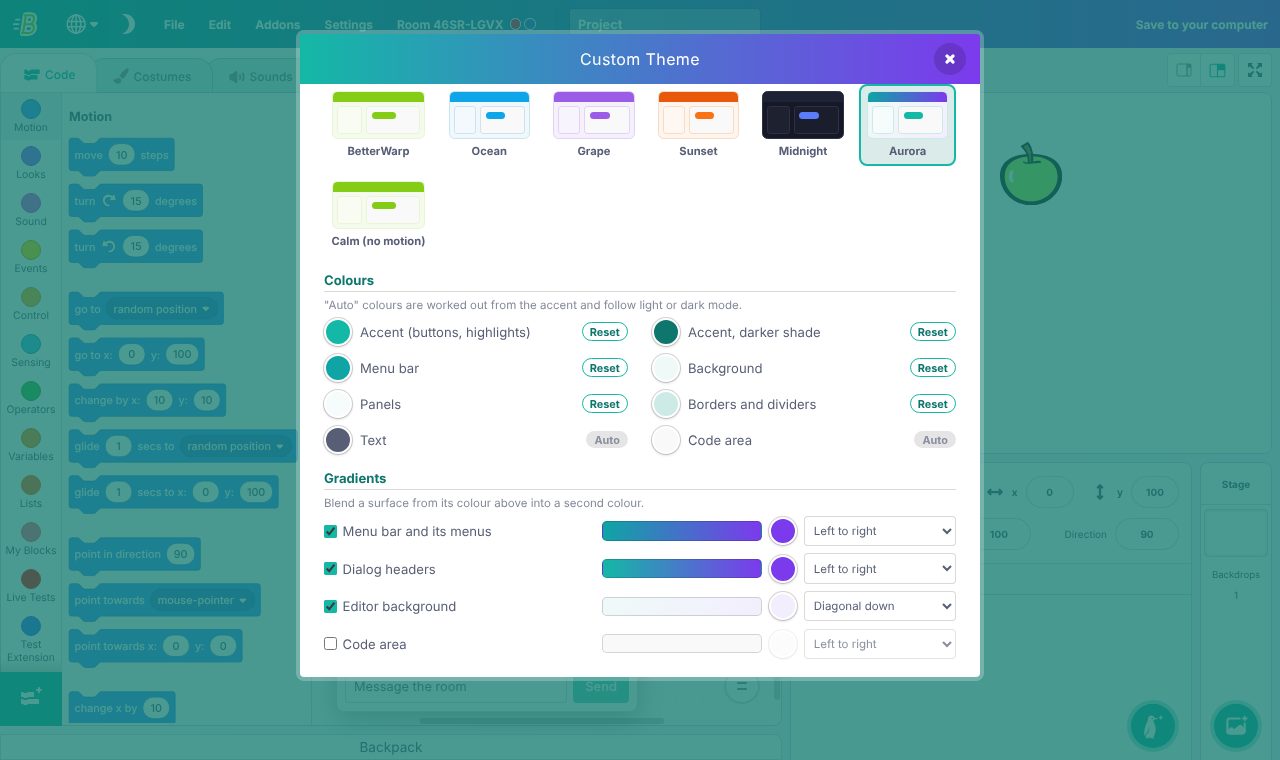
Custom themes
Your colours, gradients, fonts, animations and click sounds.
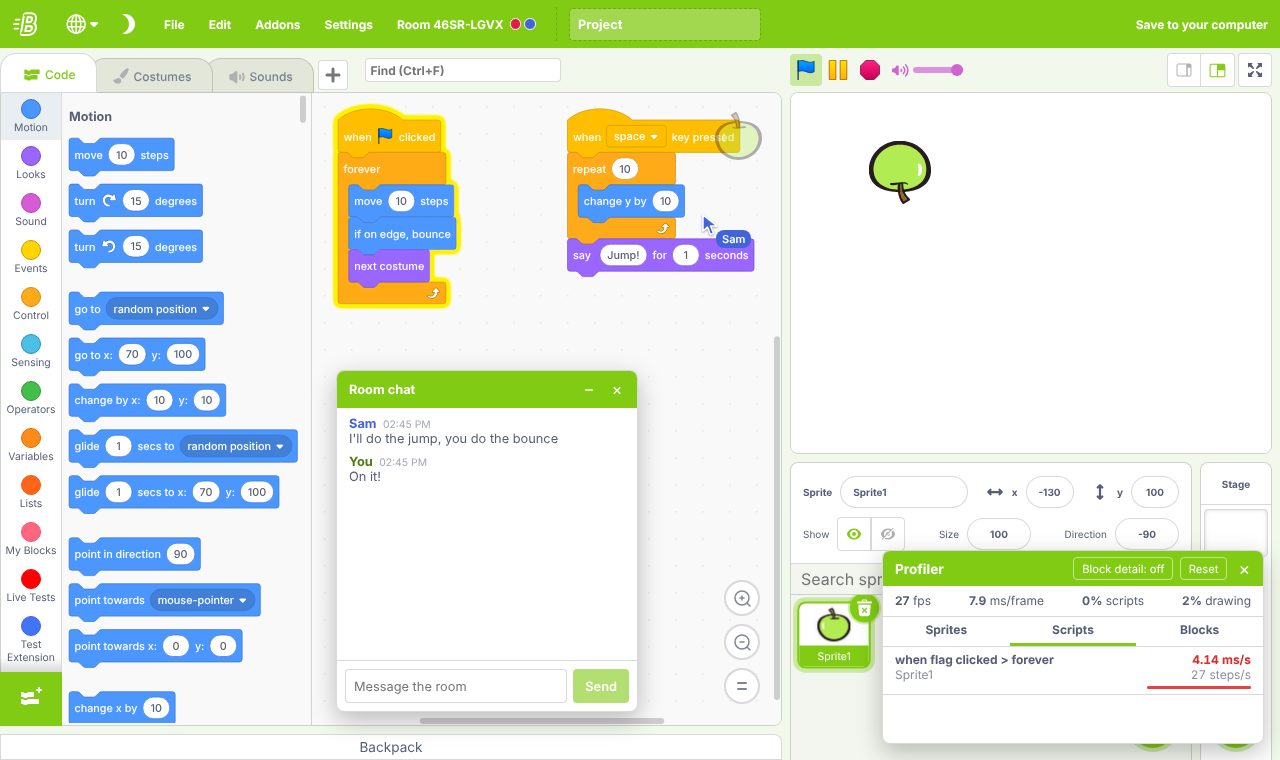
Performance profiler
See which sprites and scripts slow your project down.
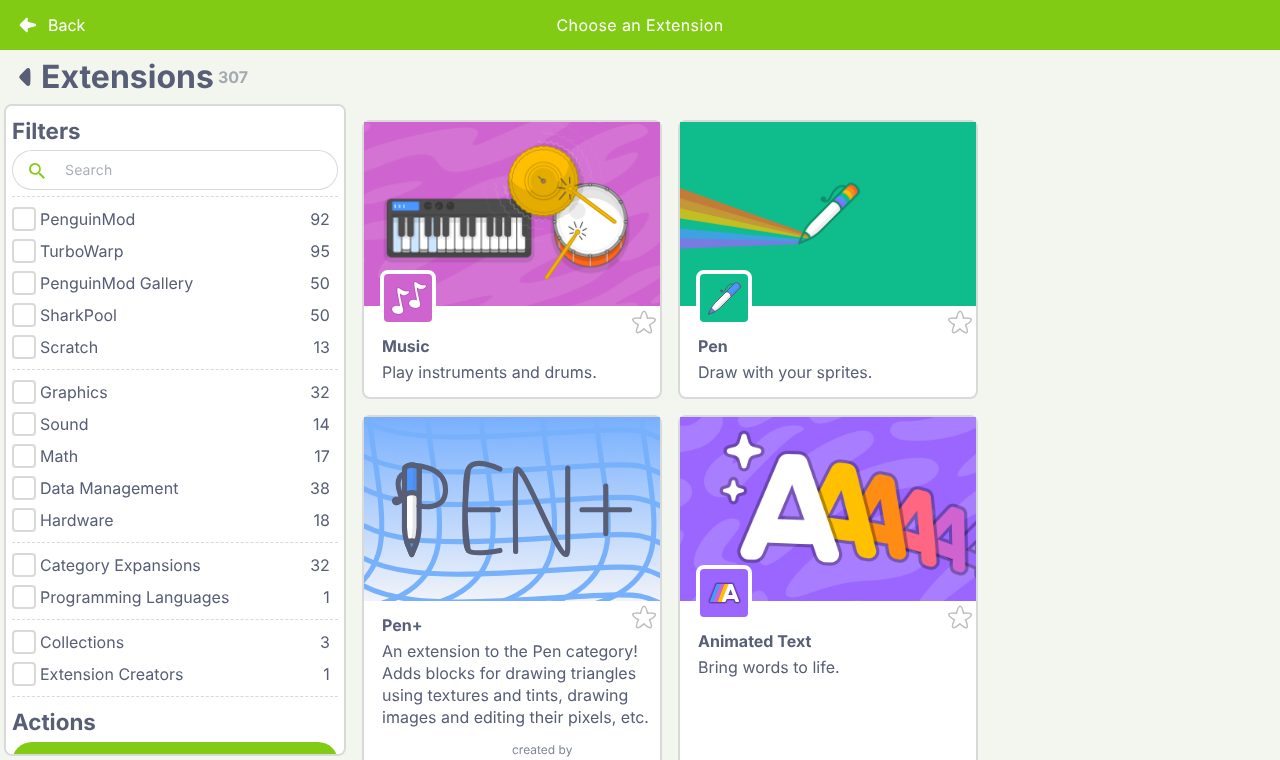
300+ extensions
PenguinMod, TurboWarp and SharkPool extensions in one library.
Snippets
Save scripts with fill-in-the-blank fields and reuse them in any project.
Paste Image
Paste a picture as a costume, at full quality.
Undo per sprite
Each sprite keeps its own undo history, plus new keyboard shortcuts.
Universal settings menu
Every setting in one place. Presets make it work like Scratch or PenguinMod, with collaboration always on.